AI FOR SMALL BUSINESS / THE BUYER’S GUIDE
AI for
small business, compared.
What should AI help with first? Compare Portacode, Zoho One, Notion and Airtable for customer work, shared knowledge and everyday business operations.
Small-business tools at a glance
4 options. Different starting points.| The option | Consider it for | The deciding question | Read the review |
|---|---|---|---|
 PortacodeCustom apps + connected agents | Custom business tools with ongoing agent work | Do you need a workspace you can shape around the whole customer journey? | |
 Zoho OneA broad business app suite | Prebuilt apps across business functions | Can prebuilt business apps cover the journey you need? | |
 NotionKnowledge and shared context | Documents, knowledge and team context | Does the work start with notes, documents and shared knowledge? | |
 AirtableRecords, interfaces and workflows | Shared operational records and interfaces | Can the process fit records, relationships and configured interfaces? |
THE QUICK ANSWER
Which AI tools fit your small business?
Choose a tool around a job that already takes time: preparing customer responses, finding reliable information or keeping operations organized. This shortlist focuses on tools for running the business.
- If you prefer a broad suite of prebuilt business applications, explore Zoho One.
- If your work revolves around shared knowledge, notes and documents, explore Notion.
- If your customer or operations workflow fits shared records and configured interfaces, explore Airtable.
- If you run a solo or small business and want custom apps, your website, business email and ongoing agent work together, explore Portacode.
Practical ways to use AI in your business
- Customer enquiries and follow-up Summarize a request and prepare a reply from current business information. Keep the original message and review commitments before sending.
- Documents and shared knowledge Prepare first drafts and summaries from information your team maintains. Assign an owner to keep the underlying facts current.
- Customer records and daily operations Keep requests, owners and next actions together. Use AI to help interpret information while preserving a clear record of what happened.
A CLOSER LOOK
Four tools for different business needs
Portacode
Build and operate the tools your business needs.
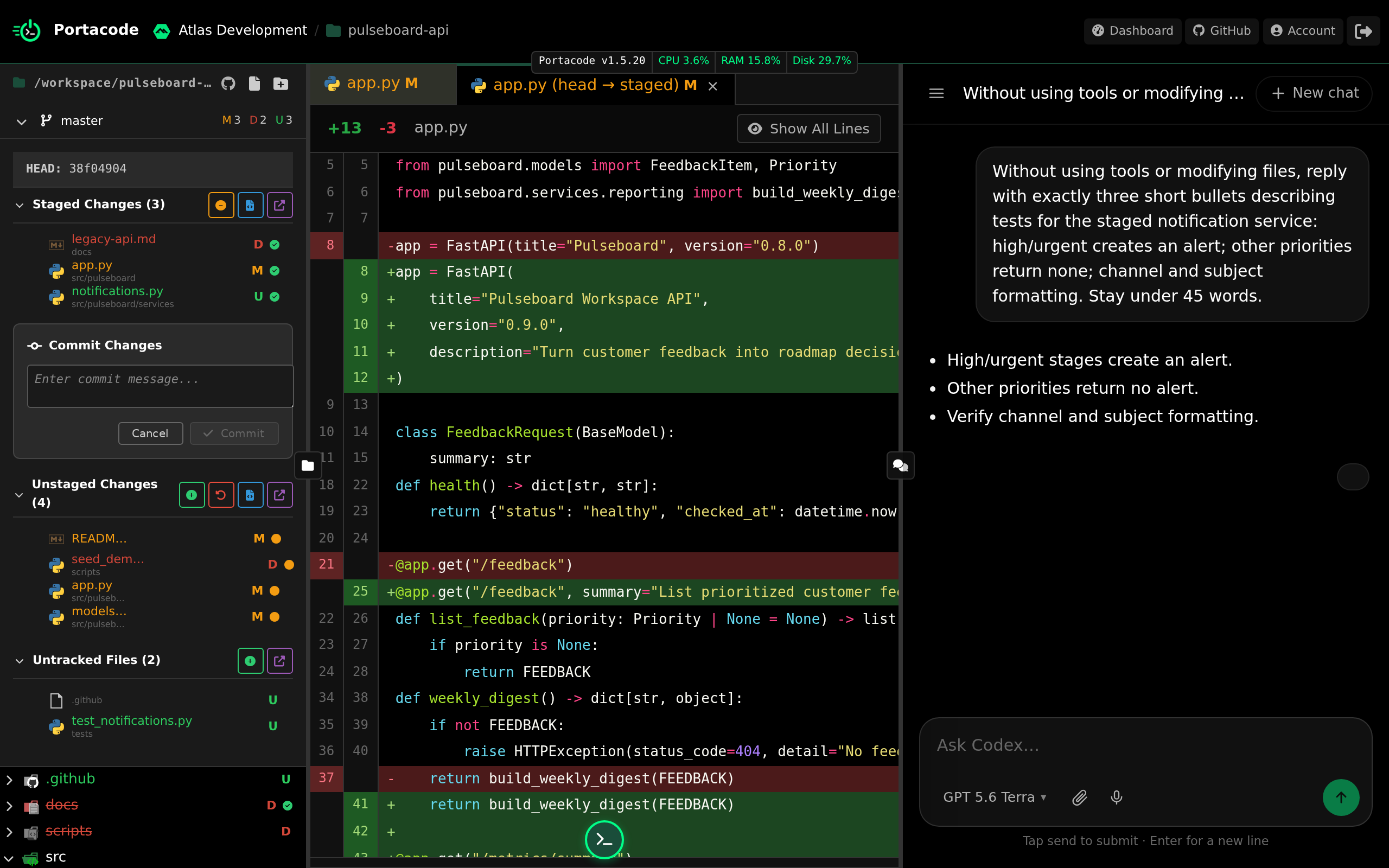
Portacode brings always-on agents and persistent computers together with custom business apps, website hosting and business email. Agents are accessible through email and Telegram, and Codex work can be managed across connected machines.
It fits a solo operator or small business that wants its own customer workflow and operating tools connected with ongoing agent work. Build or configure the journey around your business, and check capacity, usage and the review steps it needs.
- Why choose it
- You run a solo or small business and want custom apps, your website, business email and ongoing agent work together.
- What to check
- Allow time to build the business-specific workflow and its controls.
Zoho One
A business suite when packaged apps fit the work.
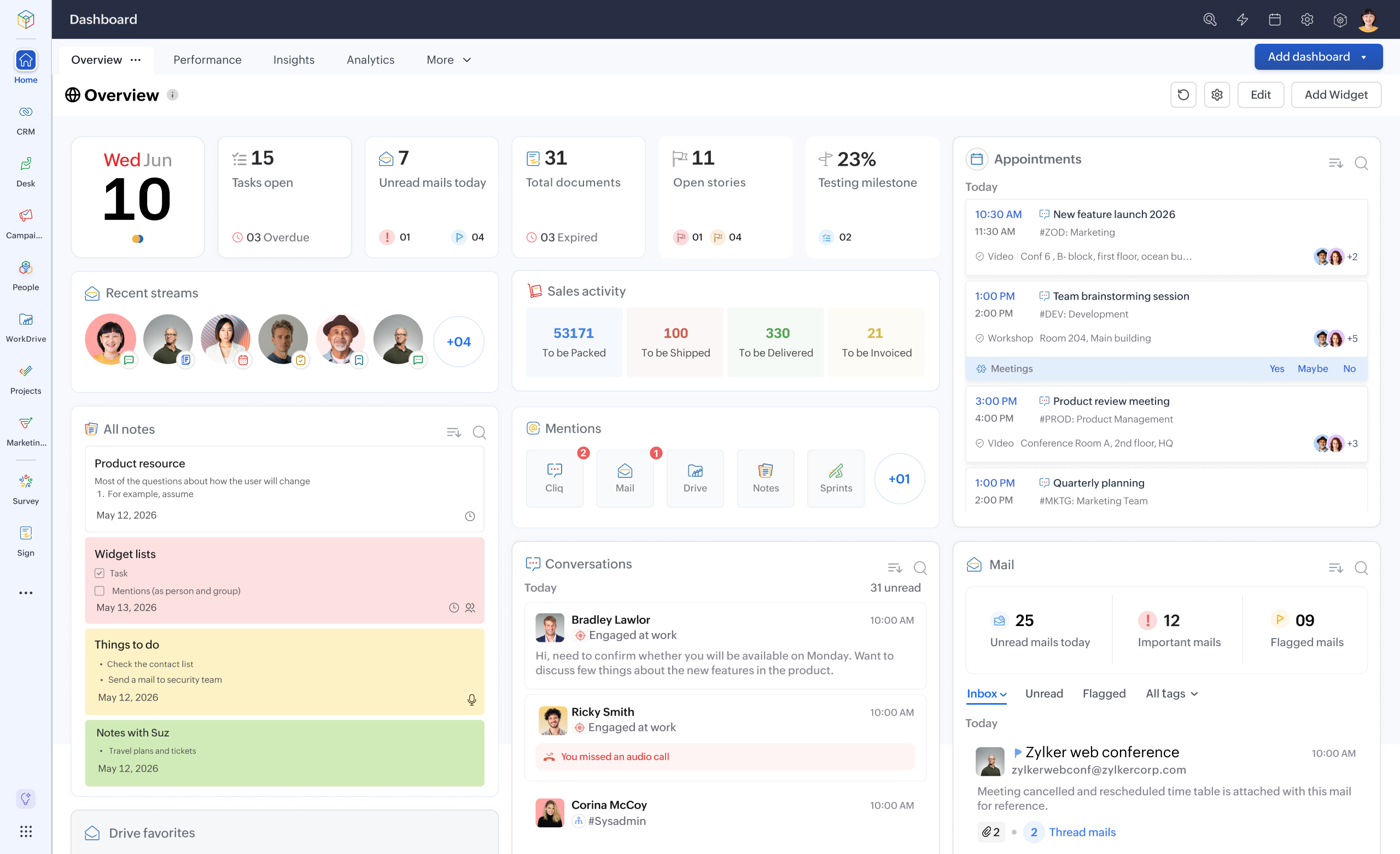
Zoho One is a suite of business applications with tools for extending and connecting processes. It is relevant when the priority is adopting prebuilt apps across business functions.
Map the actual journey between those apps before moving data. Check the configuration and current AI features available in the applications and plans you intend to use.
- Why choose it
- Your business needs a broad suite of established applications and is ready to configure the connections.
- What to check
- Validate the exact cross-app process and the configuration it requires.
Notion
Put useful business knowledge where the team can find it.
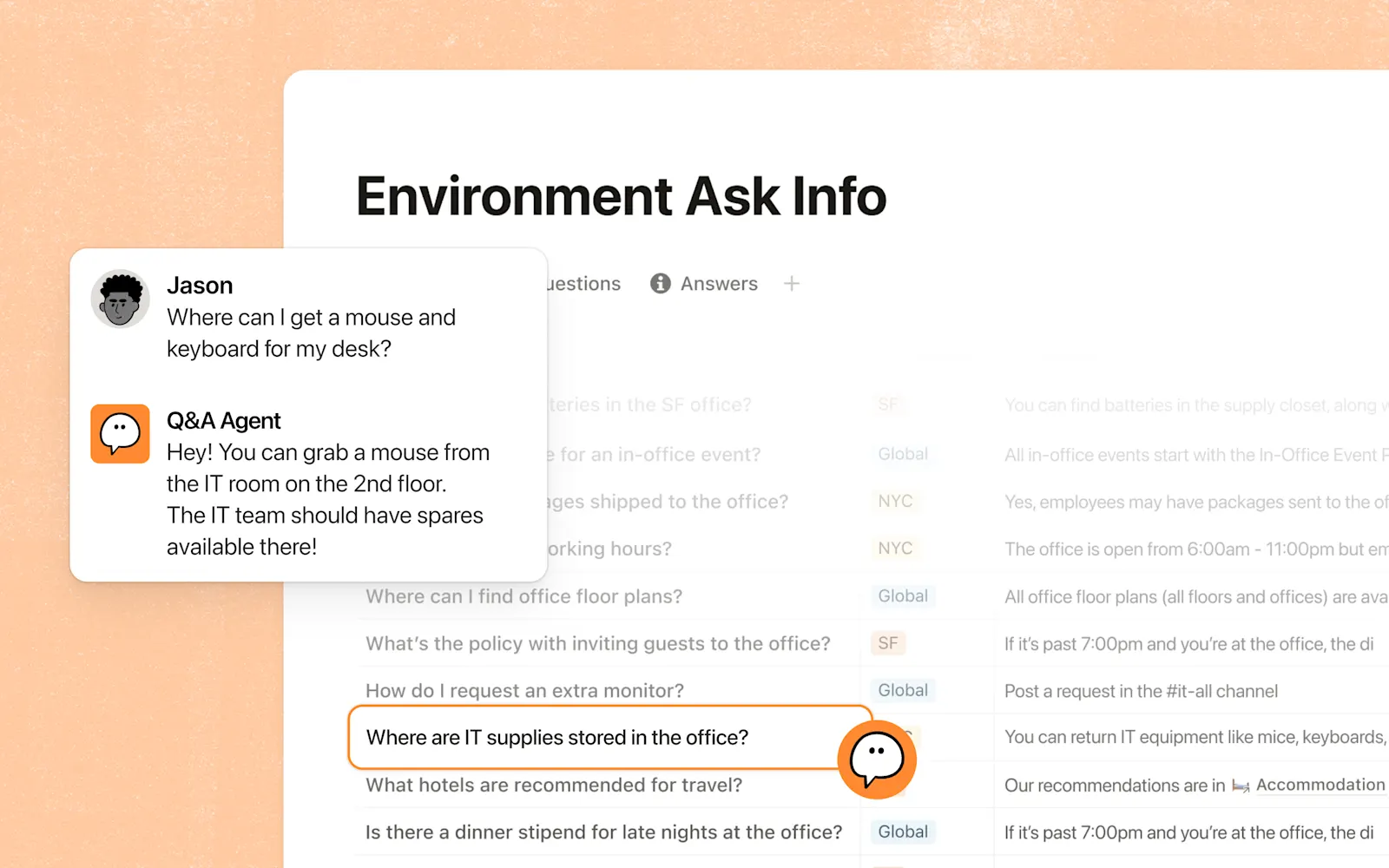
Notion combines shared knowledge, collaboration and AI-assisted work. It fits a business whose immediate problem is finding, maintaining and working with documents and team context.
Keep source information current and define access. Check how customer records and specialist systems will sit alongside the knowledge workspace.
- Why choose it
- Your work depends on finding, organizing and updating information in a shared workspace.
- What to check
- Check how operational records and external systems fit around the workspace.
Airtable
Structure requests, owners and next actions.
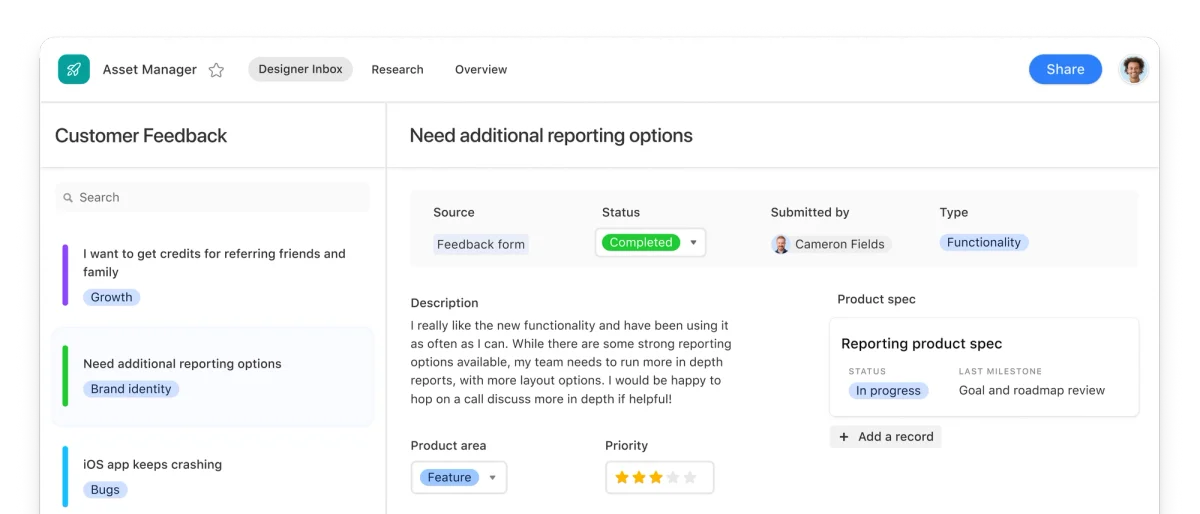
Airtable centers applications on structured business data, with interfaces, automation and AI-assisted app building. It fits operational work that can be expressed as records, relationships and views.
Define the data model and the people who maintain it. Check where configured interfaces end and where another business system or custom software is still needed.
- Why choose it
- Your workflow fits structured records, related views and configured interfaces.
- What to check
- Define the boundaries between your configured apps and other business systems.
BEFORE YOU CHOOSE
How to start using AI in a small business
Pick one recurring job, name the person who owns it and note the current handling time. Trial the tool with sample information before moving customer work into it.
- The business job Start with customer follow-up, documents or operations. Choose tools that support the actual work rather than the longest feature list.
- Information and connections Identify the authoritative records and who can access them. Confirm how data moves between the tools you keep.
- Cost and ownership Include setup, subscriptions, AI usage and review time. Give someone responsibility for changes and recurring maintenance.
Compare subscription costs, AI allowances, setup and review time. Expand only when the result saves useful effort or improves the customer journey.
Choose your first small-business AI projectAI for small business: common questions
What can AI do for a small business?
AI can help prepare replies, summarize documents, organize requests and support recurring business tasks. Start with a clear job and reliable source information, and review the result where mistakes could affect a customer or commitment.
Which AI tool is best for a small business?
The best fit depends on the job. Notion fits shared knowledge and documents; Airtable fits structured records and configured interfaces; Zoho One is a broad suite of prebuilt business apps. Portacode fits businesses connecting custom software, persistent agent work, websites and email.
How should a small business start using AI?
Choose one recurring task, record a baseline and test with sample information. Check the output, permissions and ongoing cost. Expand only after the process is useful and someone owns its maintenance.
Do I need to replace my existing software?
No. Keep specialist tools that already work. Connections depend on available APIs, permissions and the software you configure. Compare one complete business journey before planning a wider migration.
Can AI run my entire business automatically?
These tools can support parts of business operation, but setup, review and responsibility remain. A custom workflow is something to configure and validate; it is not proof that every business function is included or autonomous.
How much should a small business budget for AI?
Include subscriptions, model usage, setup, review and ongoing maintenance. Check current plan limits and avoid paying twice for overlapping functions. Compare those costs against actual improvements in the work.
KEEP READING
How to use AI in a small business: choose the first job Your first small-business AI pilot: a practical checklist